Sony DCR-DVD803E
Sample Still Pictures
|
Sony DCR-DVD803E Sample Still Pictures |
| Sony Digital Video Camera Recorder DVD803E |
|
How
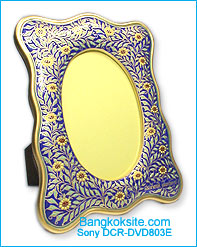
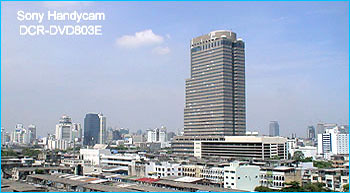
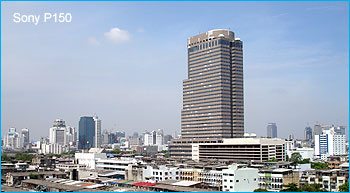
to Take Still Pictures Insert the DVD-R or DVD-RW disc and push down the On - Off switch to select the Still Picture Mode. Before taking still pictures it may be necessary to set camera for the best result. The necessary settings are : Image Quality (set at Fine), White Balance (set to get the real color) or for many cases use One Push. After necessary settings are made the pictures can be shot. We present here the first two pictures shot indoor, using three table fluorescent lamps, and two pictures shot outdoor. Comparison is made with the picture shot by Sony P150 (7.2 megapixels) digital camera. Outdoor Pictures
|
Since: April 18, 2005